Laravel Project Structure Best Practices: Organizing Your Folders for Scalability
November 20242 min read
Introduction
Laravel is one of the most popular PHP frameworks for modern web development. It provides an elegant syntax, powerful built-in features, and a clean default architecture that helps developers build applications faster and more efficiently.
One of Laravel's biggest strengths is its structured project layout. The framework already separates concerns clearly, making it easier to manage controllers, models, routes, views, migrations, and other application resources.
However, as your project grows, the default structure can become difficult to maintain if folders are not organized properly. Many developers eventually face issues such as:
Views becoming cluttered
Components scattered everywhere
Repeated UI structures
Difficulty onboarding new team members
Confusing file navigation
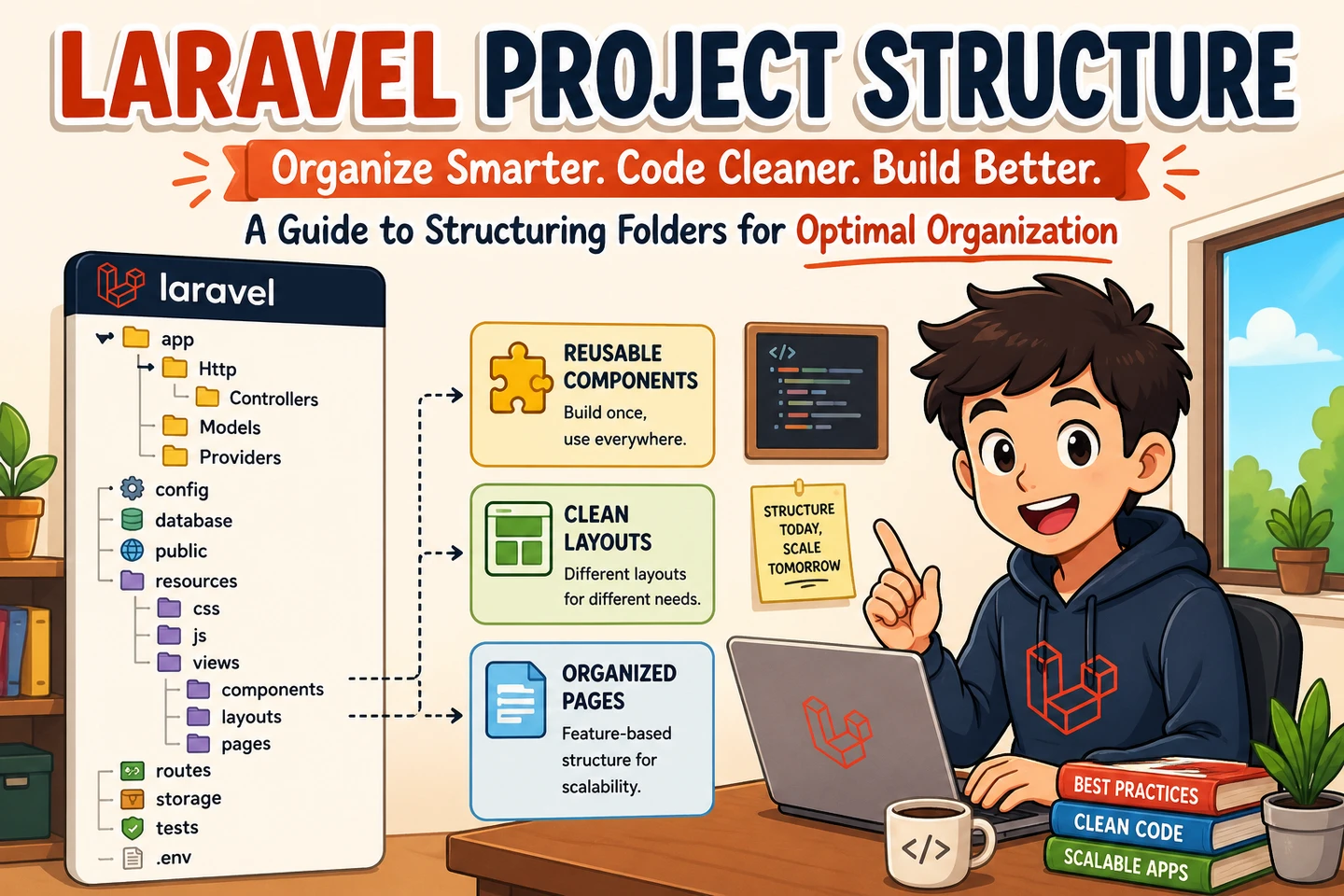
In this article, I'll share a practical approach to organizing Laravel project folders, especially the resources/views directory, to keep your application scalable, readable, and easier to maintain over time.
Default Laravel Project Structure
A typical Laravel project usually starts with a structure like this:
Try to keep structures meaningful but not excessive.
Use Consistent Naming Conventions
Consistency is extremely important.
Recommended practices:
Use kebab-case for folder names
Use descriptive names
Avoid mixed naming styles
Good:
generate-invoice/exam-history/landing-page/
Avoid:
GenerateInvoice/examHistory/LandingPage/
Suggested Additional Folders
Depending on your project size, you may also consider adding:
Folder
Purpose
services/
Business logic layer
repositories/
Database abstraction
helpers/
Helper functions
traits/
Shared traits
actions/
Single-purpose action classes
DTOs/
Data transfer objects
These folders are optional, but they can help keep large applications more maintainable.
Final Thoughts
A clean folder structure is not just about aesthetics — it directly impacts maintainability, scalability, and team collaboration.
Laravel already provides an excellent foundation, but creating a consistent project structure on top of it can dramatically improve development experience as your application grows.
There is no single “perfect” structure for every project. The best approach is the one that:
Keeps files easy to find
Encourages reusability
Reduces duplication
Scales well over time
Makes collaboration easier for your team
As your project evolves, don't hesitate to refine your folder organization to better match your application architecture and workflow.